
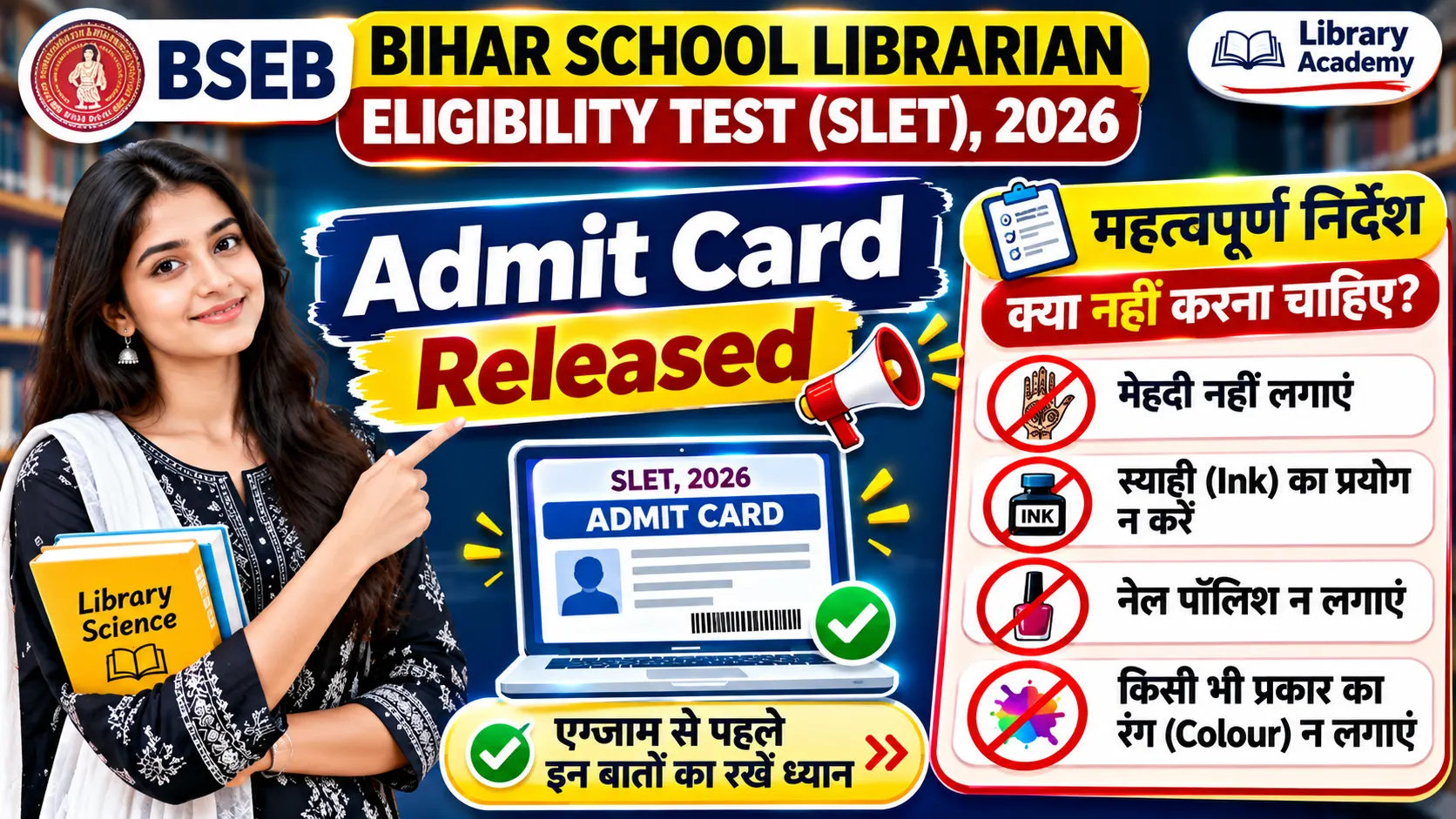
Bihar School Librarian Eligibility Test (SLET) 2026: Admit Card, Exam Date & Important Instructions
Complete Guide for School Librarian Eligibility Test Candidates
The Bihar School Examination Board (BSEB) has issued the E-Admit Card for the School Librarian Eligibility Test (SLET), 2026. The examination will be conducted in Computer Based Test (CBT) mode. Candidates appearing for the Library Science examination should carefully check their admit card and follow all the instructions issued by the Board.
The admit card contains important information, including the candidate’s examination date, reporting time, gate closing time, examination centre address and subject code. Candidates are advised to download and print their admit card in colour and keep their original photo identity proof ready before visiting the examination centre.
1. Bihar School Librarian SLET 2026: Exam Overview
2. Bihar School Librarian Exam Date and Timing
According to the E-Admit Card, the examination is scheduled from 23 November to 06 December 2026. Candidates must reach their allotted examination centre according to the reporting time printed on their admit card.
| Examination Details | Schedule |
|---|---|
| Date of Examination | 23 November to 06 December 2026 |
| Reporting Time | 07:30 AM |
| Gate Closing Time | 08:30 AM |
| Examination Time | 09:00 AM – 11:30 AM |
| Examination Duration | 150 Minutes |
The examination centre gate will close 30 minutes before the commencement of the examination. Latecomers will not be permitted to enter. Candidates should reach the centre well before the reporting time.
3. Documents Required at the Examination Centre
As mentioned in the official instructions, candidates must carry the following documents and items:
- Colour-printed copy of the E-Admit Card.
- Original and valid Government-issued photo identity proof.
- One ball-point pen.
- The same photograph, in the same size, as submitted in the online application, must be affixed in the designated space on the admit card.
Accepted Photo Identity Proof
| Identity Document | Accepted |
|---|---|
| Aadhaar Card | Yes |
| Voter ID Card | Yes |
| Driving Licence | Yes |
| Passport | Yes |
| PAN Card | Yes |
| Bank Passbook with Candidate’s Photograph | Yes |
4. Items Not Allowed Inside the Examination Centre
Candidates are strictly advised not to carry prohibited articles inside the examination premises. The Board has specified the following restrictions:
- Mobile phones and cellular phones.
- Electronic gadgets and communication devices.
- Earphones, microphones and Bluetooth devices.
- Calculators and smart pens.
- Books, notes and printed study materials.
- Wristwatches of any kind.
- Pagers, pen drives and electronic dongles.
- Bags, wallets and purses.
- Jewellery and other valuable items.
Violation of these instructions may result in disciplinary action, cancellation of candidature and debarment from future examinations.
5. Dress Code and Biometric Instructions
The Board has issued specific instructions regarding footwear and biometric verification.
- Candidates must enter the examination centre wearing slippers only.
- Candidates wearing shoes or socks will not be permitted to enter.
- Do not apply mehndi, ink, colour or nail polish to your fingers.
- These restrictions are intended to avoid problems during biometric attendance and verification.
- Frisking will be conducted at the entry point and may also be carried out during the examination.
6. Important Rules to Follow During the Examination
All candidates must maintain discipline and cooperate with the examination authorities. The following instructions are particularly important:
- Candidates will remain under CCTV surveillance throughout their stay at the examination centre.
- Candidates cannot leave the examination centre during the test.
- Login ID and password will be provided at the allotted computer seat 10 minutes before the examination begins.
- Use the Roll Number and password provided at the centre to log in.
- Check your name and Roll Number displayed on the computer screen after login.
- Do not create any disturbance or obstruct the examination process.
- Contact the Invigilator only for examination-related queries or clarification.
7. Bihar Librarian CBT Exam Pattern and Marking Scheme
The instructions in the admit card explain how candidates should answer questions in the Computer Based Test (CBT).
Each correct answer carries 1 mark, as applicable. There is no negative marking for incorrect answers, according to the CBT instructions provided in the admit card.
8. How to Answer Questions in CBT Mode
Candidates should understand the basic features of the online examination interface before starting the actual test.
- Next Question: Move to the next question using the Next button.
- Previous Question: Return to the previous question using the Previous button.
- Question Panel: Directly open any question from the question panel on the left side of the screen.
- Toggle Bar: Navigate directly to the desired section using the toggle bar at the top.
- Change Answer: A selected answer can be changed later.
- Clear Answer: Deselect an answer if you do not want to attempt that question.
- Mark for Review: Mark questions that you want to review later.
Question Status in the Test Summary
| Status | Meaning |
|---|---|
| Answered | Questions answered by the candidate. |
| Not Answered | Questions that have not been answered. |
| Flagged & UnAnswered | Unanswered questions marked for later review. |
| Flagged & Answered | Answered questions marked for later review. |
| Not Viewed | Questions that have not yet been viewed. |
9. CBT Timer and Automatic Submission
A timer is displayed in the top-right corner of the examination screen. It shows the remaining examination time. Candidates should monitor the timer regularly and manage their time carefully.
- Answers are saved when candidates navigate to the next or previous question using the available buttons.
- Candidates can answer questions in any order within the prescribed time.
- The Submit Test button will be displayed after completion of the prescribed examination duration.
- The test will automatically end when the prescribed duration is completed.
- Candidates who finish early cannot leave the test centre and must remain seated until the prescribed examination duration is over.
- Zoom-in and Zoom-out options are available to adjust the text size on the screen.
10. Compensatory Time for Eligible PwD Candidates
According to the instructions in the E-Admit Card, candidates eligible for the scribe facility under the applicable Government of India provisions and the Rights of Persons with Disabilities (RPwD) Act, 2016, shall be allowed compensatory time of not less than 20 minutes per hour of the CBT.
Not less than 20 minutes for every hour of the examination, subject to the applicable eligibility provisions.
The admit card instructions specify a total duration of 200 minutes for PwD candidates.
11. Important Instructions About Admit Card and Candidature
- The issuance of the E-Admit Card does not mean that the Board has finally accepted the candidate’s eligibility.
- If any information, declaration or document is found to be false or incorrect, candidature, result and certificate may be cancelled.
- No request for changing the examination date, time or centre will be entertained.
- The original E-Admit Card will be collected at the examination centre after completion of the examination.
- Candidates should safely retain a copy of the E-Admit Card for future verification and subsequent stages.
- Candidates should regularly check the official Bihar School Examination Board website for examination-related notifications.
12. Practice the CBT Demo Test Before Examination
Candidates are advised to practise the Demo Test (Mock Test) to become familiar with the Computer Based Test interface. Practising the mock test can help candidates understand question navigation, answer selection, the timer, question status and other examination features.
Official CBT Demo Test
Visit the following portal to practise the Demo Test:
Practice CBT Mock Test ↗13. Important Do’s and Don’ts for Candidates
| Do’s | Don’ts |
|---|---|
| Carry a colour-printed admit card. | Do not carry a photocopy of the photo ID instead of the original. |
| Carry an original valid photo ID. | Do not write on the QR code. |
| Reach the centre early. | Do not arrive after gate closing. |
| Wear slippers. | Do not wear shoes or socks. |
| Keep fingers free from mehndi and nail polish. | Do not carry mobile phones or electronic gadgets. |
| Follow the Invigilator’s instructions. | Do not use unfair means or disturb the examination. |
14. Frequently Asked Questions (FAQs)
According to the uploaded E-Admit Card, the examination is scheduled from 23 November to 06 December 2026.
The reporting time mentioned in the E-Admit Card is 07:30 AM.
The examination centre gate closing time is 08:30 AM. Latecomers will not be allowed to enter.
The examination is scheduled from 09:00 AM to 11:30 AM.
The School Librarian Eligibility Test 2026 will be conducted in Computer Based Test (CBT) mode.
According to the admit card instructions, there is no negative marking for incorrect answers. Each correct answer carries 1 mark, as applicable.
Candidates must carry an original and valid Government-issued photo ID, such as Aadhaar Card, Voter ID, Driving Licence, Passport, PAN Card or a Bank Passbook bearing the candidate’s photograph.
No. Candidates are required to wear slippers. Entry wearing shoes or socks is not permitted.
No. Calculators and other prohibited electronic gadgets are not allowed.
Candidates can access the Demo Test at https://sletregistration.cbrt.co.in/.
Download Bihar School Librarian SLET 2026 Admit Card & Instructions
Read the original five-page E-Admit Card and complete examination instructions issued by the Bihar School Examination Board.
Download Admit Card Now ↓Replace YOUR-UPLOADED-PDF-URL-HERE with the publicly accessible PDF URL after uploading the document to your website or media storage.
Final Words
Candidates appearing for the Bihar School Librarian Eligibility Test (SLET) 2026 should carefully read every instruction mentioned in their E-Admit Card. Carry all the required documents, reach the examination centre on time, follow the prescribed dress code and avoid carrying prohibited items.
Practise the CBT Demo Test before the examination so that you are familiar with the online test interface. Follow the instructions issued by the Bihar School Examination Board and prepare confidently for your examination.
